RUSTCON_DESKTOP
RUST
CON.DESKTOP.
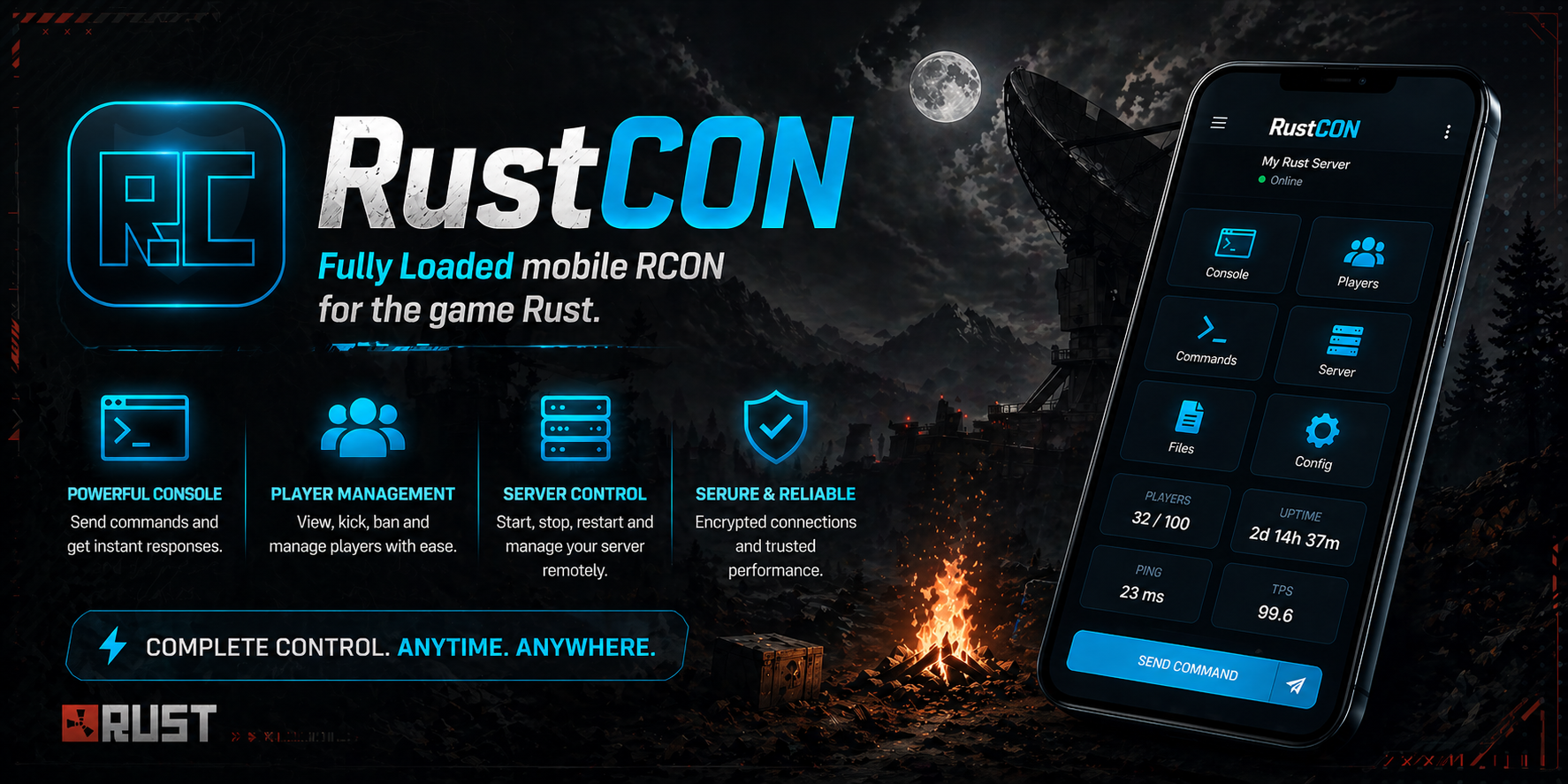
The free Windows version of RustCON. Same RCON workflow trusted by mobile admins — full console, live chat, player manager with Steam avatars, Oxide and Carbon permissions, 1,185 giveable items, events, and kits — running natively on your PC. No subscription. No account. No ads.
Free · Windows installer · ~80 MB · no account required
FEATURES
eight_modules · everything_an_admin_actually_needs
RCON CONSOLE
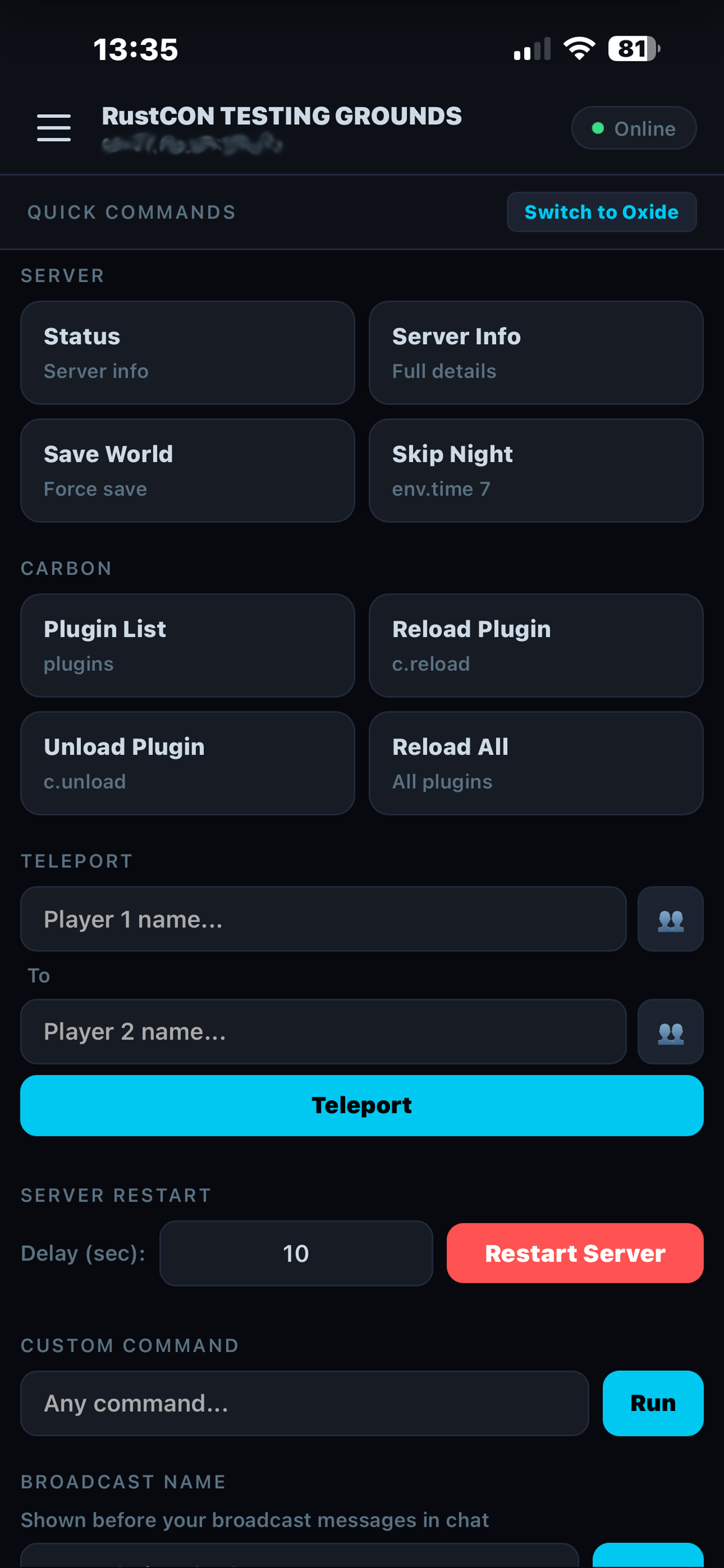
Full WebRcon console with command history and live log streaming. No SSH. No proxy. Every Rust console command available, native on your PC.
LIVE CHAT
Watch and reply to in-game chat in real time. Color tags render correctly. Send as server, admin, or custom name.
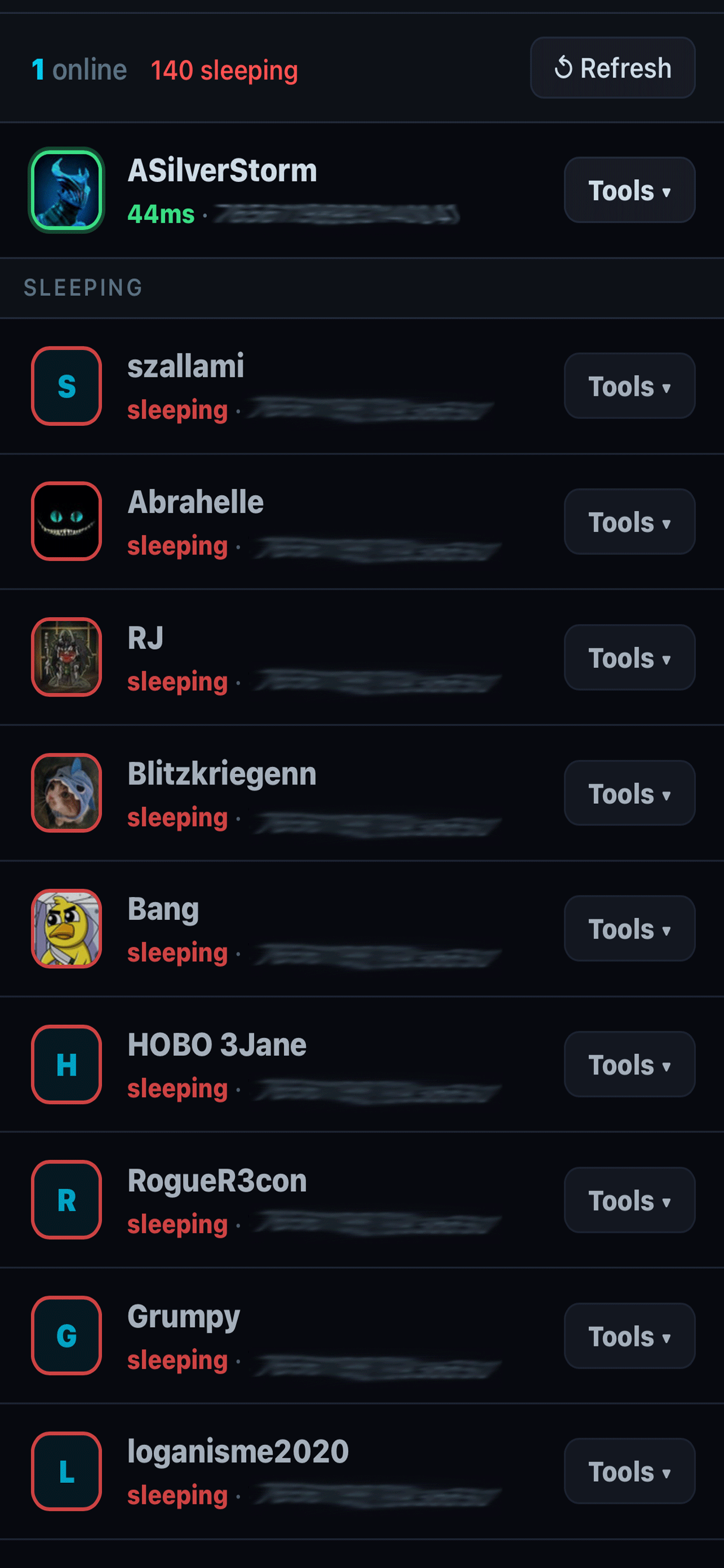
PLAYER MANAGER
Every player with Steam avatar, SteamID, ping, and a Tools menu — kick, ban, mute, kill, teleport — one click.
OXIDE + CARBON PERMS
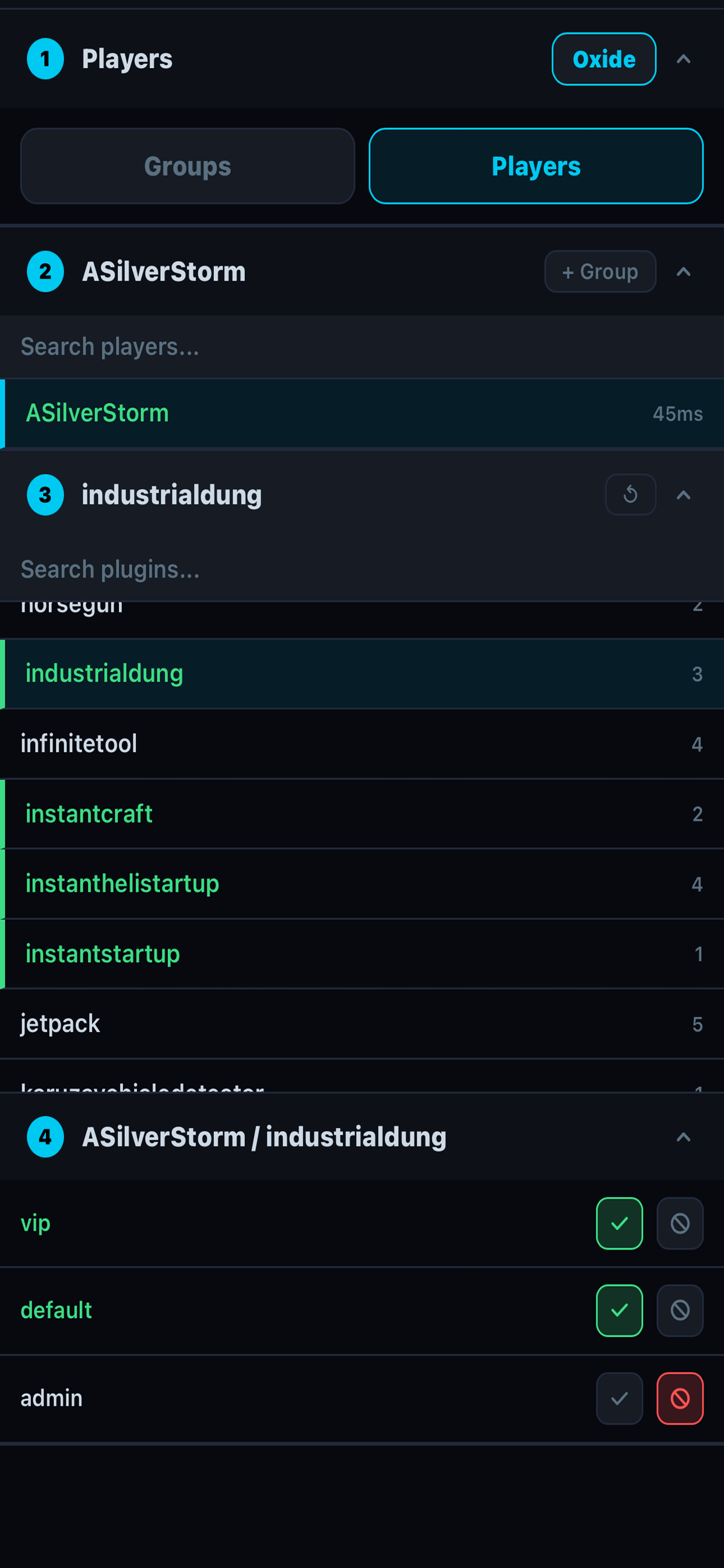
Visual permissions editor for both frameworks. Browse groups, grant and revoke plugin perms. No typing oxide.grant by hand.
1,185 GIVEABLE ITEMS
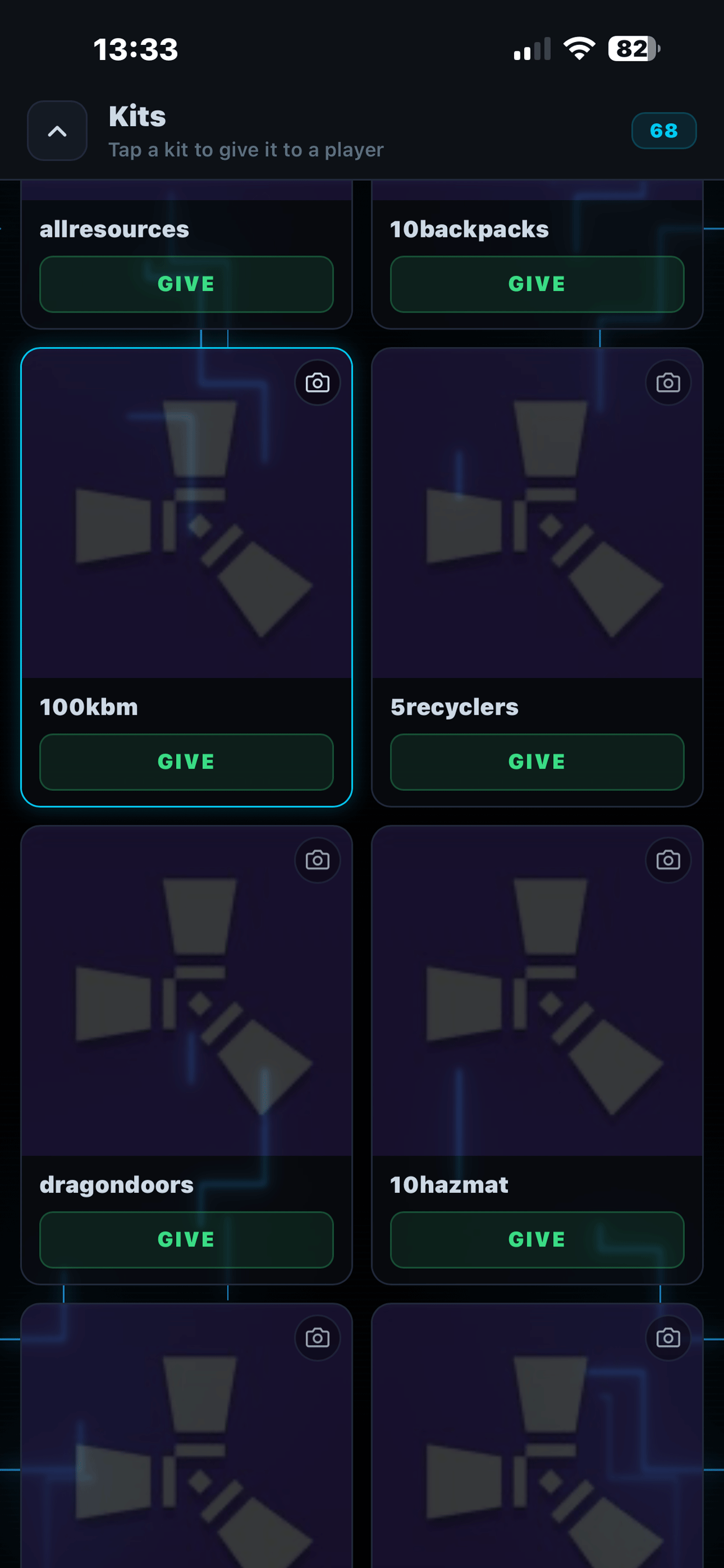
Search the entire Rust item list with icons. Skins, blueprints, components — give to any player in two clicks. Auto-updates each wipe.
EVENTS
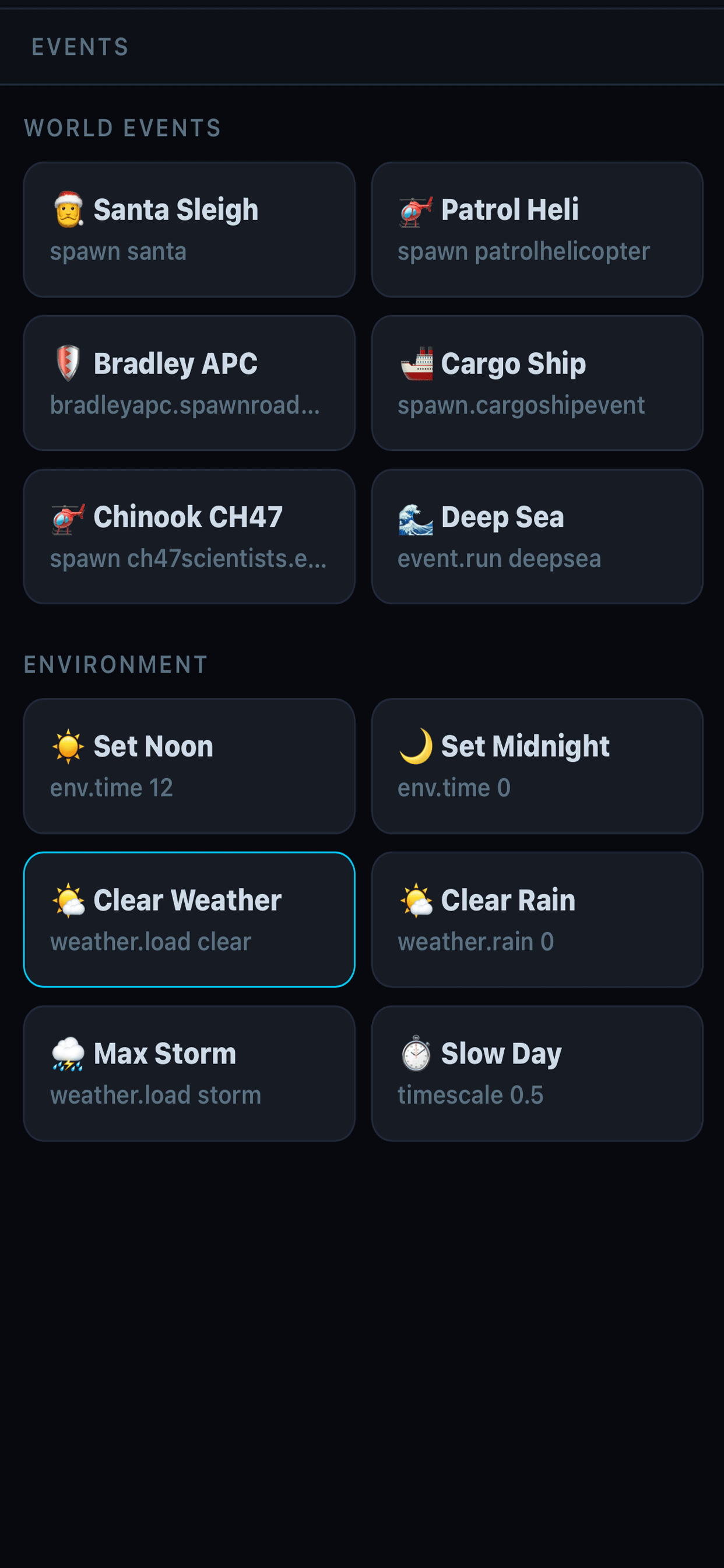
Spawn heli, cargo ship, CH47, Bradley, airdrops — and control weather and time. Run community events from your desk.
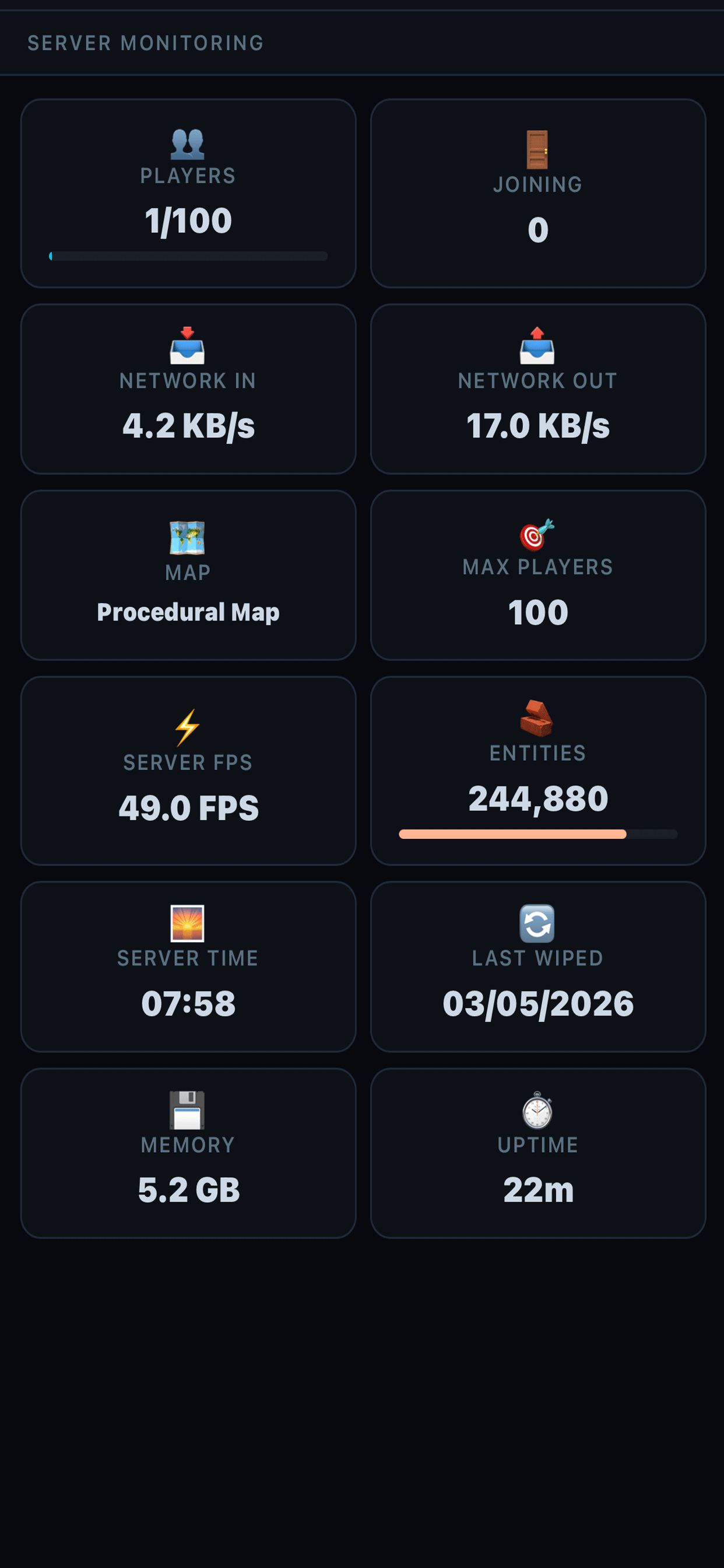
SERVER MONITOR
FPS, entity count, players, memory, network — at a glance. Catch lag spikes before players notice.
MULTI-SERVER
Admin more than one server? Switch between them without re-entering credentials. Encrypted local storage.
RUNTIME
live_screens · oxide+carbon_active · windows_native
FAQ
stuff_admins_ask · before_install
Is this really free?
Yes. RustCON Desktop is a free Windows download. No account, no subscription, no in-app purchases, no ads. Built solo and released as a thank-you to the Rust admin community.
How is the desktop version different from the mobile RustCON app?
Same workflow, different surface. Desktop is a native Windows app you install from this page. Mobile RustCON ($3.99/mo or $29.99/yr) is the Android + iOS subscription with cloud sync, push alerts, and multi-device profile sync. Use whichever fits your admin habits — or both.
Does RustCON Desktop need a server-side plugin?
No. RustCON connects over standard WebRcon, the same way the in-game F1 console and the official Facepunch tools do. If your server has RCON enabled, RustCON Desktop works.
Does it work with Oxide (uMod) and Carbon?
Yes — both. The permissions manager has native support for Oxide and Carbon group/user/permission models. Toggle between frameworks in the app.
Which Windows versions are supported?
Windows 10 and Windows 11 (64-bit). The installer is signed and bundles its own runtime — no separate .NET or Node install required. macOS and Linux builds are in active development.
Is this affiliated with Facepunch Studios?
No. RustCON is an independent third-party admin tool that talks to the standard Rust RCON endpoint. Rust® is a trademark of Facepunch Studios.